
Service Cloud follow-ups need a scheduler, not reminders
Why agents lose track of cases promised for a later time, which Salesforce options we tried first, and how JB Case Scheduler brings the case back on time.
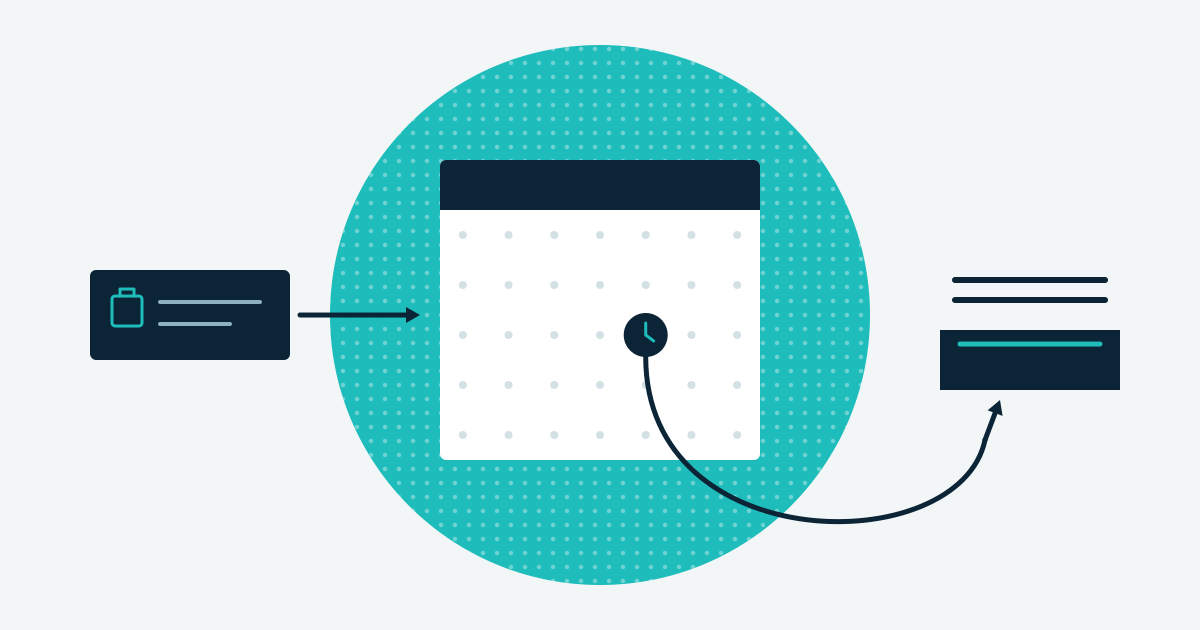
Some cases cannot be resolved today: the customer wants a call back on Thursday, or a delivery must arrive first. Someone has to bring the case back at the right moment, and that is where things go wrong.
How agents kept track before
Our agents tracked these cases by hand. Some set a reminder in their calendar. Some kept the case open in their own name so it stayed on their list. Some created a Task on the case.
Each of these works for one agent on a quiet day. Together they caused missed follow-ups, longer handling times and inconsistent handling. When an agent had promised a specific time, a missed follow-up was visible to the customer straight away. Some cases were simply lost.
We wanted agents to schedule the future action inside Service Cloud, in a way the whole team could rely on.
What we tried first
Entitlement Management and Milestones. Salesforce’s Entitlement Management tracks whether you meet your service-level agreements. Milestones are built for that. They are not built for an agent who wants to snooze one case until 14:00 on Thursday. Nor do they let the agent decide who gets the case back. Using them that way felt cumbersome.
Task and project management apps. Apps such as TaskRay handle complex, multi-step work well. For scheduling a single case follow-up they were more than we needed. They record that action is needed. They do not hold the Case and then hand its ownership back inside the Service Cloud workflow. That takes extra automation on top.
Neither option did the one thing we needed. Hold the case, then return it to the right person at the right time.
What we built instead
We built JB Case Scheduler, a managed package for Service Cloud. It is free on AppExchange. Here is what it does.
- The agent schedules from the Case page. They pick a future date and time and give a reason for the follow-up.
- The case moves to a queue. While it is scheduled, a Case Scheduler queue owns the case. It leaves the agent’s list, and nobody loses sight of it.
- The agent chooses who gets it back. During scheduling they name the owner on reactivation: themselves, another user, or an Omni-Channel queue. Omni-Channel is the Service Cloud feature that routes work to available agents. A reactivated case can go straight into normal routing.
- The case comes back on time. Case Scheduler checks at a configurable interval, for example every 15 minutes. It presents each case for action at the time the agent set.
- The reason lands in the case feed. The scheduling reason appears in the case feed, along with the scheduling and reactivation messages. Anyone who opens the case sees why it waited.
- The Case status does not change. Case Scheduler manages timing and ownership only. Your existing status-based automations keep working as before.
- No manual work. No calendar reminders and no separate Tasks. Every agent schedules a follow-up the same way.
What this changes for the team
A promise to call back at 14:00 becomes a scheduled case that reappears at 14:00 with the right owner. Agents spend their time resolving cases instead of tracking them. The team handles follow-ups in one consistent way, and promises about follow-up times are kept.
What to do next
JB Case Scheduler is free. Install it from AppExchange, then follow the installation guide to set up the queue and the check interval. The FAQ answers the questions admins ask before and after installing.