
Thank a donor the moment the donation is complete
How JB Quicksend, expected at the end of 2026, sends a FinDock thank-you from Marketing Cloud Engagement once a donation is complete, with no development.
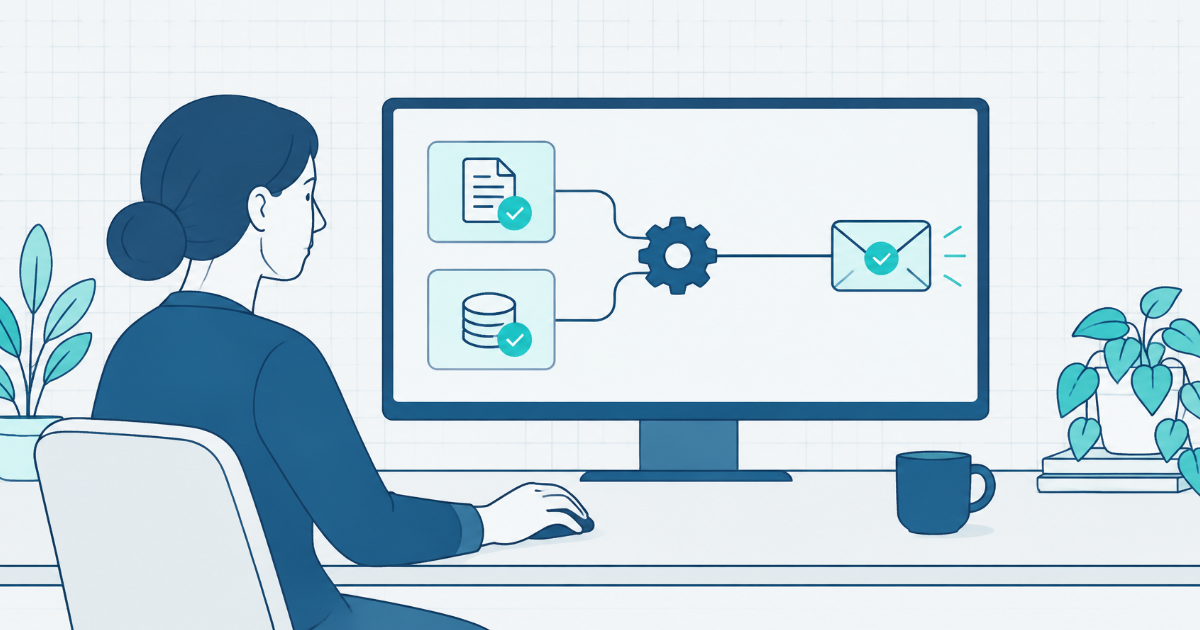
A donor gives through your donation form, for example on your next GivingTuesday, and should get a thank-you while the gift is fresh. Setting up that email is harder than it sounds.
The thank-you has to wait until the donation is complete, and in FinDock that depends on more than one record. Someone then has to connect Salesforce to a transactional send in Marketing Cloud Engagement. That is technical work, not a job for the marketer who writes the email.
JB Quicksend, which we expect to launch at the end of 2026, lets that marketer set up the thank-you in Salesforce, without a developer.
How FinDock thank-you emails work today
FinDock does not send the thank-you itself. FinDock’s documentation says a thank-you or payment confirmation “is sent to the customer according to your business-specific flows”.
So each organisation builds its own route from Salesforce to Marketing Cloud. That usually means one of three set-ups:
- a Flow with an HTTP callout, which needs an admin every time marketing wants a new field;
- hand-written Apex that nobody on the team wants to touch;
- a batch job that runs every few hours, so the donor hears from you tomorrow instead of now.
With any of these, adding the campaign name to the thank-you means a ticket, a code or Flow change, and another test.
A thank-you send in JB Quicksend
In Quicksend, a send is one rule: when this happens, send this email with this data. Quicksend comes with ready-made FinDock events, such as Donation received, so nobody has to build the trigger. You give the send a name, such as “Donation thank-you”, and set it up in four steps.
- When. Choose the event Donation received, from the FinDock Triggers pack. It fires once the donation is complete. For a direct debit, that is after the payment is collected.
- Journey. Choose the Marketing Cloud journey for the thank-you: a transactional send or a multi-step journey. The email itself stays in Marketing Cloud, where your marketer already edits it.
- Personalise. Quicksend lists the fields your email expects, such as the donor’s first name, the amount, and the campaign. Pick the Salesforce field that fills each one, and preview the values with any FinDock Inbound Report. When marketing adds a field to the email later, you map it to a Salesforce field in Quicksend instead of rebuilding a Flow.
- Test and activate. Send a test to your own inbox. The test goes only to the address you type, never to a real donor, even when you fill it with data from a real record. Then choose Activate.
Step 4 also shows a send code. Put that code in the JB Quicksend send field of the Inbound Report, usually as a hidden value on your donation form. That links your form to the send, so each donation from the form gets this thank-you.
A donation is complete when two FinDock records are ready: the Inbound Report, and the installment that FinDock collects. Quicksend waits for both, in whichever order they are ready, and never sends the thank-you twice. It usually sends within seconds, not on the next run of a batch job.
Each send shows its status (Draft, Active, or Paused), how many emails it has sent, when it last sent, and its last error. A sign-up confirmation works the same way, with the event Sign-up confirmed.
Once your admin has connected Marketing Cloud and given you access, a marketer with Salesforce access can set up a send. You do not need a developer.
What to do next
With Quicksend, the donor from your donation form gets their thank-you once the gift is complete, not the next day.
If your thank-you emails run on FinDock and Marketing Cloud, join the early-access list. We will tell you when Quicksend ships.