
JB Email Send Log now works on any record page
Since v1.45, JB Email Send Log can be placed on any Lightning record page, including Person Accounts, with a configurable subscriber ID field.
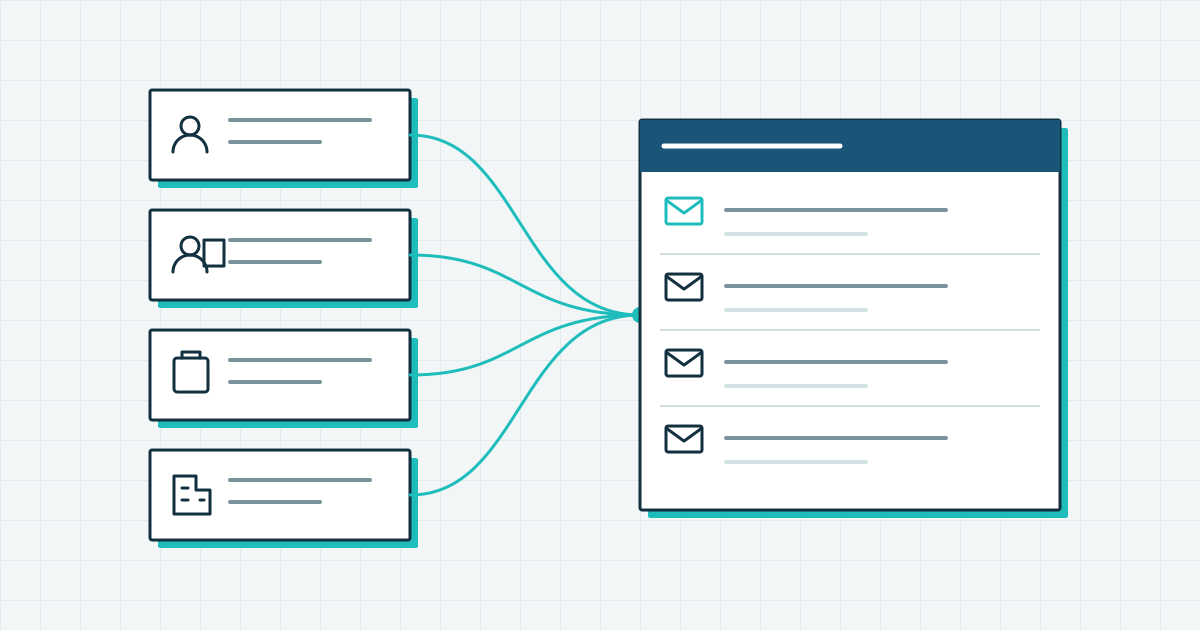
The same support question arrived several times in a row: “We’ve set up JB Email Send Log on the Contact page, but our org uses Person Accounts. The component just doesn’t show up.” They were right. Until v1.45, the component only worked on the standard Contact record page.
That left out orgs on Person Accounts, Salesforce’s way of storing an individual as one record that is both an Account and a Contact. It also left out anyone who wanted the component on a Case, an Account or another object.
What changed in v1.45
Version 1.45 was released on 18 December 2025 and brings two related changes.
Any record page
You can now add the component to any Lightning record page in Lightning App Builder, the editor for record page layouts. Contact, Person Account, Case, Account: wherever your team needs the email history.
A configurable subscriber ID field
Marketing Cloud Engagement identifies a subscriber by an ID, and in most orgs that is the Contact ID. On a Person Account the Contact ID is not in the ContactId field of the record. It is in PersonContactId.
Before v1.45 there was no way to tell the component which field to read. Now there is. In the component properties in Lightning App Builder, set Subscriber ID Field API Name to the field that holds your Marketing Cloud subscriber key.
Why this matters for Person Account orgs
Person Accounts are common in B2C orgs, for example in financial services, healthcare and retail. If Marketing Cloud sends to consumers who live in Salesforce as Person Accounts, that email history belongs on the Person Account record. Before v1.45 there was no way to show it there. Now the component goes on the Person Account page and reads PersonContactId.
What to do next
Upgrade to v1.45 or later, open the record page in Lightning App Builder, add the component and set the subscriber ID field. The full list of changes is in the release notes. If something unexpected happens after the upgrade, request information and describe what you see; we reply within one business day.